Human handoff
Chatbot Human Handoff: Build a Useful Team Packet
Create a chatbot handoff packet that preserves the visitor's request, evidence and missing details. Separate a saved request, delivery receipt and human follow-up.
By HostDesk · Updated · 6 min read
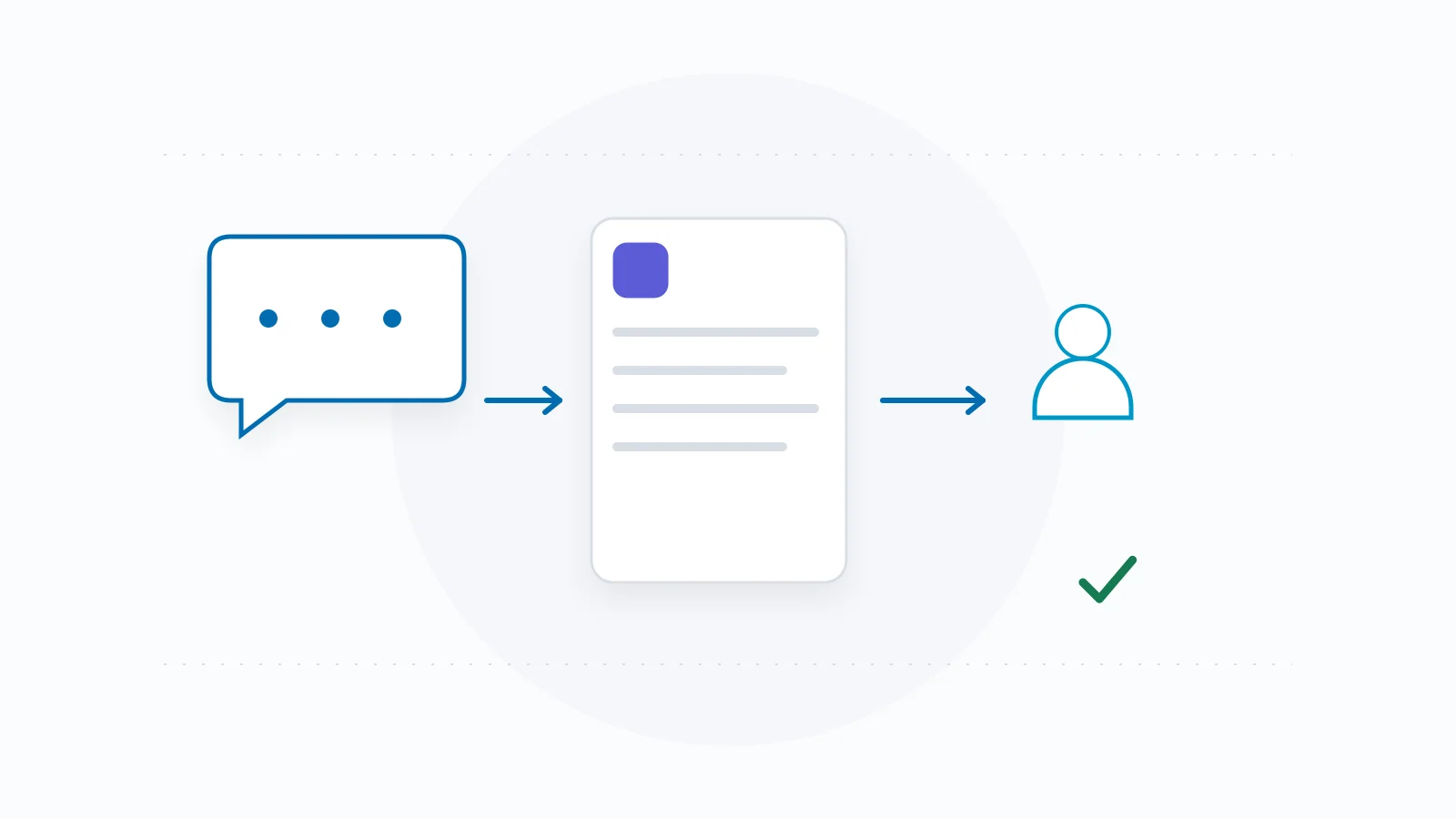
A useful chatbot handoff tells the receiving person what the visitor wants, what is already known, what remains unresolved and what action the visitor actually requested. It also gives the visitor an honest description of what happened.
Design the packet from the receiver's point of view. A long transcript without a clear request can be difficult to act on; a tidy summary can be worse if it invents urgency or says a problem was resolved. The template below keeps context and outcome evidence separate.
Decide when a person should take over
Allow a visitor to ask for a person directly. A request should not require repeated failed questions first. Other useful triggers include conflicting policy sources, a decision that belongs to staff, missing private information and a request the available tools cannot complete.
Name the receiving function in plain language: the service team, account team or another real destination. Do not label an asynchronous request 'live chat' unless a live service is actually available. If response times are published, use the approved wording and its operating-hour limits.
Before making the handoff available, ask a receiving colleague to read an example packet. Their first question reveals what the packet is missing. A system can deliver technically correct data that still leaves the team unable to understand why the visitor contacted it.
Use a compact, evidence-aware packet
Put the requested next step first. Preserve important visitor wording, then add a short summary clearly marked as an interpretation. Link to relevant approved business information where it helps the person review a policy question.
Limit the packet to what the receiver needs. Avoid copying unrelated conversation history or requesting extra identity details simply because a field exists. If sensitive account information is involved, use your actual authorized process; a conversational claim is not identity verification.
| Packet field | What belongs there |
|---|---|
| Requested next step | What the visitor explicitly asked the team to do. |
| Visitor-stated facts | Relevant details with their wording or a clear source reference. |
| Assistant summary | A labeled interpretation, with uncertainty retained. |
| Business evidence | Relevant approved policy or service source and version/date. |
| Unresolved question | The exact decision or fact the assistant could not settle. |
| Contact route | Only the route the visitor deliberately supplied for this request. |
| State and receipt | Saved, delivery pending, delivered, accepted by a person or followed up, with the evidence for each. |
Worked packet: an exception request
The following record is entirely fictional and is not an executed HostDesk handoff. At https://harbour-workshop.example/changes, the example policy says workshop changes need staff review after the stated change window. It does not authorize an automatic exception.
The visitor says: 'I missed the change window because my train was cancelled. Please ask whether I can move to next month. Email is best.' The packet should preserve the requested exception and reason as visitor statements. It must not turn them into verified travel evidence or approved policy.
A colleague can act on this packet without reading every previous turn: review the exception, check the actual booking through the authorized process and respond through the offered route. The packet must not describe the workshop as moved.
| Field | Example entry |
|---|---|
| Request | Visitor asks staff to consider moving an existing workshop booking to next month. |
| Visitor-stated reason | Visitor says their train was cancelled; independently unverified. |
| Policy context | Example changes policy requires staff review after the change window. |
| Summary | Possible exception request; exact booking and preferred date still need authorized review. |
| Unresolved | Whether staff approve an exception and whether an alternative place exists. |
| State | Illustrative draft packet only: no contact record, delivery or booking change has occurred. |
Describe the state the evidence actually supports
Agree on the meaning of each status with the team and the people who maintain the integration. A saved request means the application's actual save succeeded. Delivery means the receiving system acknowledged the specific message. Neither means that a colleague has read it.
The distinction exists even at the transport layer: RFC 9110 defines HTTP 202 as acceptance for processing while processing remains incomplete. A successful-looking response is therefore a prompt to inspect the documented contract, not permission to announce a human outcome.
Visitor-facing wording should follow the observed state. 'Your request is saved for review' requires a real save receipt. 'The team has accepted your request' requires evidence of that acceptance. Only promise a reply time if the business has actually authorized that commitment.
| State | Required evidence | Do not infer |
|---|---|---|
| Saved | Matching durable request receipt. | External delivery or a reply. |
| Delivered to a system | Acknowledgement for the specific message. | A person read or accepted it. |
| Accepted by a person | Actual assignment or acknowledgement by the receiver. | The visitor's requested exception is approved. |
| Followed up | Recorded real response or completed contact attempt. | The issue was resolved successfully. |
| Resolved | Outcome evidence appropriate to the request. | A general success label from the original chat. |
Run a receiver drill, including an uncertain delivery
Use a controlled test request that is clearly identified to the receiving team. Check the actual packet, contact route, timestamps and references. Ask the receiver to state what they would do next; that tests usefulness as well as delivery.
Then exercise a failure scenario in an approved test environment. If the save succeeded but notification failed, the request should remain recoverable. If a transport times out after sending, the outcome may be uncertain. Blindly resubmitting can create duplicate work, so use the integration's real retry and deduplication contract.
Remove the positive receipt from the test fixture and inspect the visitor message again. It must stop claiming success. Record actual observations when the drill runs; the examples in this guide provide expected mechanics, not proof that any product or mailbox has passed.
- Submit a labeled test through the intended path and record the actual save receipt.
- Inspect the receiving system's matching message and verify packet contents.
- Have a receiver identify the request, missing information and next step.
- Test an unavailable destination and an ambiguous response without manufacturing success.
- Confirm how an operator finds, retries or closes the request without creating duplicate work.
Keep the human route understandable
Explain whether the visitor is sending a request, opening an email or moving to another service. Preserve access to the relevant policy or contact page when the automated route fails. Do not strand the person behind a status spinner or keep asking for the same detail.
Your packet is an internal operating agreement, not a requirement to add a complicated customer workflow. Keep the common path short and reserve exceptional questions for situations where they change the next action.
HostDesk's public preview can help you examine where your public information runs out and what next step an answer suggests. It does not prove that a customer mailbox, CRM or staffed service received a message. Test those actual destinations separately with their authoritative receipts.