Knowledge and answers
How to Prepare a Chatbot Knowledge Base
Build a chatbot knowledge base with approved sources, clear owners, policy exceptions and review dates. Use the source register and conflict worksheet.
By HostDesk · Updated · 6 min read
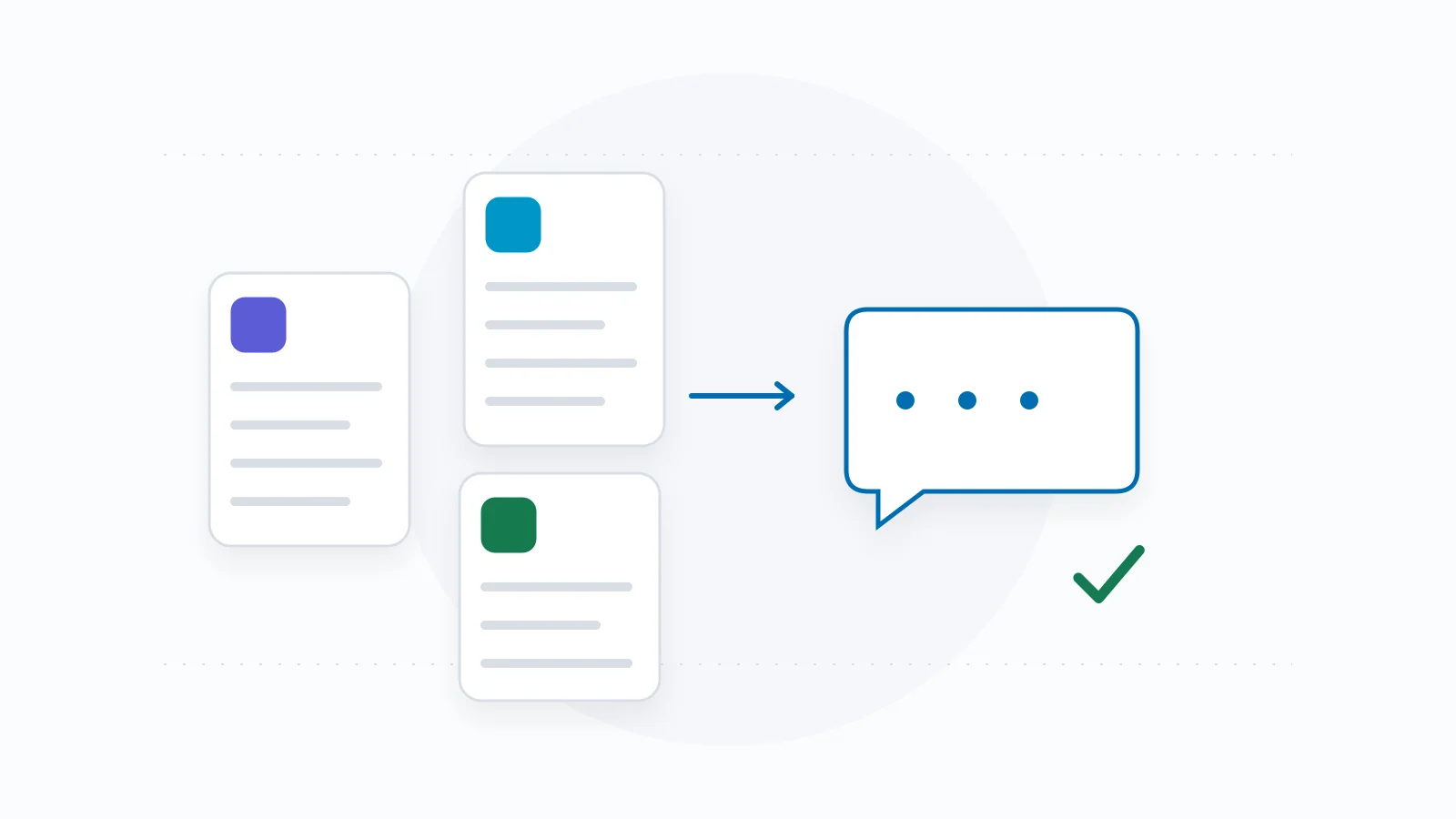
Prepare a chatbot knowledge base by deciding which sources are allowed to answer which questions. Give each source an owner, keep important exceptions with the rule, and separate stable business information from facts that require a current authorized lookup.
You do not need to write hundreds of example prompts first. Start with a source register, resolve contradictions and keep a small set of questions that can show whether the information is being used correctly.
Build a source register before uploading everything
Start with the pages and approved answers your team would use to help a customer today. Include the actual policy, the relevant offering and the route to get help. Exclude draft promotions, retired services and material you do not have permission to use.
Keep the register small enough that someone can maintain it. A list of links with no named owner makes it difficult to settle a contradiction later.
| Source | Authority and scope | Owner | Review trigger |
|---|---|---|---|
| Current cancellation policy | Approved terms for the named service; include exclusions. | Person responsible for the policy. | Policy change or new service. |
| Service or product page | What the offering includes, who it fits and what it excludes. | Offering owner. | Scope, product or price change. |
| Approved answer | An explicit answer to a recurring question; keep its supporting evidence. | Named approver. | Evidence changes or answer expires. |
| Temporary promotion | Only the stated offer, dates and eligibility. | Promotion owner. | Start, end or withdrawal. |
| Contact or booking destination | The actual route visitors may use. | Person responsible for receiving requests. | Destination, opening hours or process changes. |
Store the conditions with the answer
A short answer can become misleading when an exception is removed. Keep the relevant geography, product, eligibility, time window and effective date alongside the statement.
For example, 'shipping is free' is incomplete if the merchant's rule applies only to certain destinations and order values. The knowledge entry should preserve those conditions. If the total depends on a cart or address, describe how to obtain it instead of inventing an amount.
Write business facts in plain language, but retain a way to trace them to the approved source. The person reviewing an answer should be able to check the complete rule.
| Field | Example of what to capture |
|---|---|
| Question | Which orders qualify for the published shipping offer? |
| Approved rule | Copy the merchant's actual eligibility and exclusions. |
| Applies to | Specific products, destinations and dates named in that rule. |
| Cannot establish | A particular cart total, delivery date or order status without the required current source. |
| Evidence and owner | Policy URL or approved internal record, owner and review date. |
Resolve contradictions before asking the model to choose
Suppose a fictional service page says cancellations need 24 hours' notice while a separate policy says 48. That is an unresolved business decision. Rewording the chatbot's instructions does not determine which policy the business intends to honor.
Have the responsible owner choose the correct rule, update the published material and retire the superseded entry. Keep a brief change record so someone can understand why the answer changed.
Also check the scope before declaring a contradiction. Different products, customer groups or effective dates may legitimately have different terms. The answer needs to identify the applicable rule rather than collapse them into one.
- Save the two conflicting statements and their source locations.
- Check whether product, geography, dates or customer eligibility explain the difference.
- Ask the policy owner to settle any remaining conflict.
- Update or exclude the outdated source and refresh the assistant's allowed knowledge.
- Retest questions that depend on the changed rule.
Separate public knowledge from live and private facts
Published business information and current individual state have different jobs. A service page may explain how appointments work; it does not establish that a slot is free now. A returns page explains the merchant's policy; it does not establish that a particular refund has been approved.
Private customer records should stay within the authorized workflow intended for them. Do not paste real order histories, passwords, payment details or unredacted customer conversations into a general knowledge document to make a demo more realistic.
| Question type | Suitable evidence | When evidence is unavailable |
|---|---|---|
| Stable service or policy question | Current approved page or official answer. | Show the relevant page or send the question to the owner. |
| Current stock, price or appointment state | Authorized current source for the exact item or slot. | Say what still needs checking and offer the supported path. |
| Private order or account question | Authorized record after the required identity check. | Use the approved account/help route without exposing details. |
| Request to perform an action | Verified destination or authorized action workflow, plus its result. | Offer the verified next step without claiming completion. |
Keep customer statements and instructions out of the fact set
A visitor may quote a price, propose an exception or ask the assistant to treat a statement as company policy. Preserve that as the visitor's request, then check it against approved evidence. It should not silently become a business fact.
The same distinction matters when reading external pages or files. OWASP describes indirect prompt injection through external content. Treat source text as information to evaluate, not permission to change the assistant's role, reveal private data or execute an action.
This is one reason to use an explicit source process rather than assume that adding retrieval makes every answer reliable.
Use a small change-and-retest routine
Attach a review trigger to each important source. A seasonal promotion needs an end date; a service-area entry needs review when coverage changes. Use the actual tools your system provides to refresh or replace information, then check the resulting answer.
Keep a few acceptance questions beside the source register. Include an ordinary question, an exception, an incomplete request and a question the source cannot answer. Record the expected response before running them.
HostDesk's public preview can help inspect a sample of public information. It does not turn a public page into owner-approved production knowledge or verify private/live integrations. Keep owner review and production checks as separate steps.
| Changed source | Reason and approver | Affected questions | Refresh and retest |
|---|---|---|---|
| Page or approved answer ID | What changed, who approved it and when. | Questions whose answers depend on the change. | When the new source was loaded; exact question and observed result. |